Application Builder User's Guide
Table of contents
| | Application Builder User's Guide | WideStudio/MWT Index Table of contents |
Hello 프로젝트 작성
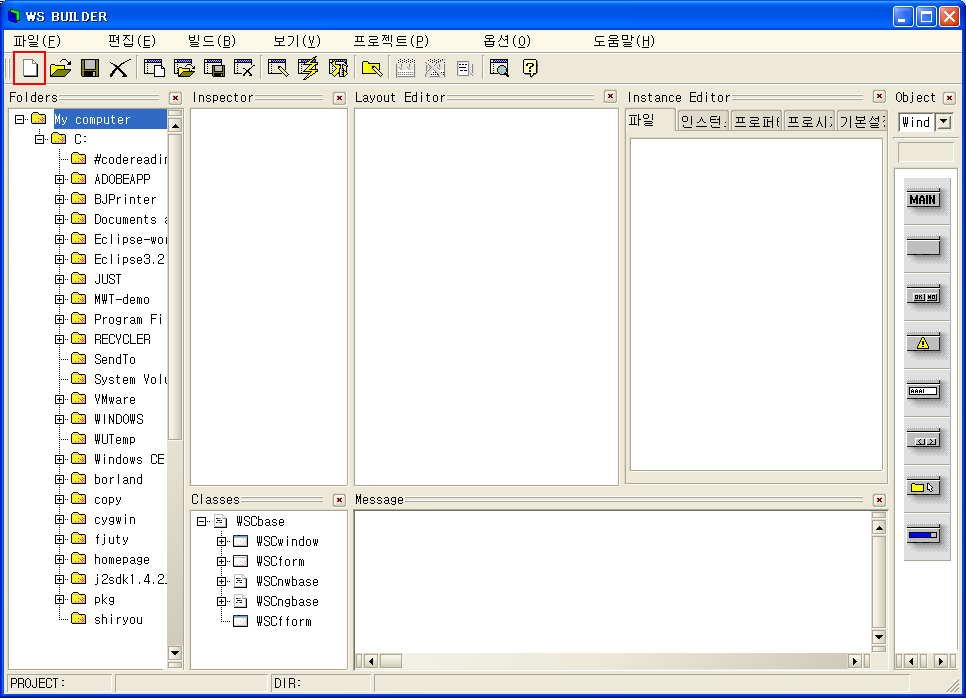
응용프로그램 hello의 프로젝트를 작성합시다. 애플리케이션 빌더의 [프로젝트] 메뉴 에서 [프로젝트 새로 만들기]를 선택합니다. 또는 다음 그림에 나타내는 아이콘을 클릭합니다.
Wizard 대화 상자가 나옵니다. [프로젝트 이름]에 hello, [작업 디렉토리]에 파일들을 저장할 디렉토리를 입력해서, [Normal Application]을 선택하십시오.
프로젝트를 만들면, 빌더 아랫부분에서 프로젝트 이름과 작업 디렉토리 이름가 표시됩니다.
[Hello 프로젝트 작성]
| Copyright(C) WideStudio/MWT Development Team, 1999-2005 | Last modified: Jul 31, 2005 |